What Is the Digital Population Identity (IKD)
The Identitas Kependudukan Digital (IKD) is a digital form of population identity officially stored on a smartphone. The official app, issued by the Home Ministry's Directorate General of Dukcapil, holds e-ID card data, the family card, and other civil documents in one hand.
With IKD, citizens no longer need to carry a physical card or photocopies when accessing public services. Data is stored digitally and encrypted, reducing the risk of damaged, lost, or forged cards.
IKD Activation Requirements
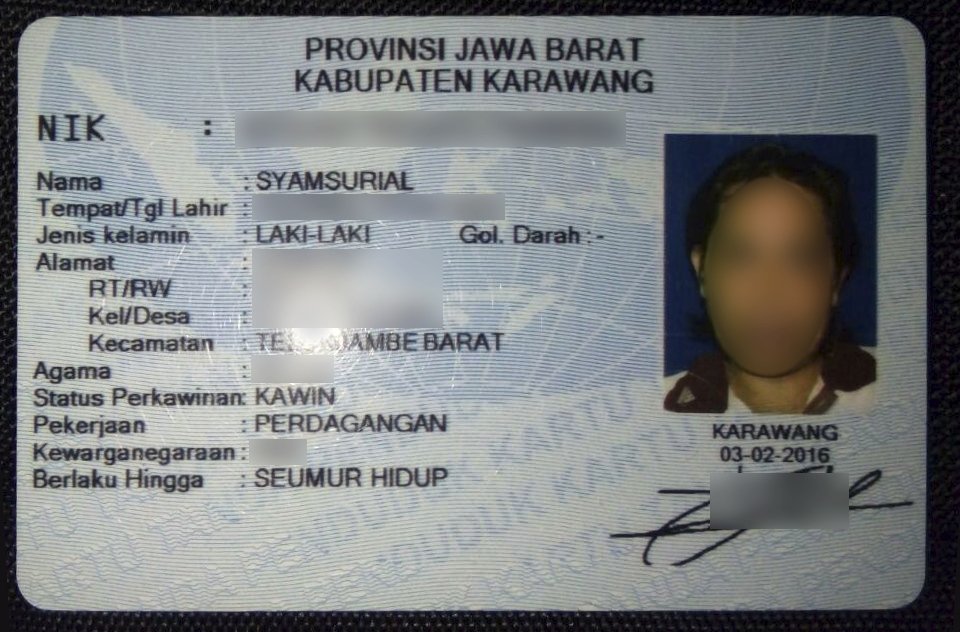
Before starting, make sure you already own a physical e-ID card whose data is recorded at Dukcapil. Also prepare a smartphone with a stable internet connection, plus an active phone number and email address to receive the activation code.
All IKD activation services are free of charge. Dukcapil never invites the public to activate via WhatsApp messages or phone calls — ignore and report anyone offering paid activation services.
Steps to Activate IKD
Download the "Identitas Kependudukan Digital" app from the Play Store or App Store, open it, and choose registration. Enter your national ID number, full name, gender, place and date of birth, email, and active phone number, then agree to the terms of use and privacy policy.
Verify your face: make sure your face is in a well-lit area until the indicator turns green, then take the photo. Next, scan the special QR code displayed by the officer — visit the nearest Dukcapil office, subdistrict office, or mobile service point for this step.
After the QR is scanned, the system sends an activation code to your email. Enter the activation code along with the captcha in the app, then create a PIN that is easy to remember but hard to guess. Once activation succeeds, your e-ID and family card data appear automatically in the app and IKD is ready to use.
Benefits and Things to Note
IKD speeds up identity verification for banking, transport such as airports and train stations, BPJS health services, taxation via tax ID, and social aid registration through the Perlinsos Portal. Layered authentication via PIN and biometrics makes personal data harder to misuse.
Note that an IKD account is bound to the device used during activation. If you change phones, reinstall the app on the new device and re-verify at a Dukcapil office so access rights can be transferred securely.