
What Is QRIS
QRIS — short for Quick Response Code Indonesian Standard — is the national QR standard set by Bank Indonesia. Its advantage: a single merchant QR code can be scanned and paid from almost any payment app, whether mobile banking or digital wallets.
That means beginners don't need many apps. Just one app you already own — BRImo, BCA Mobile, DANA, or GoPay, for example — can pay at any QRIS-logo merchant, from street coffee stalls to malls.
Steps to Pay with QRIS
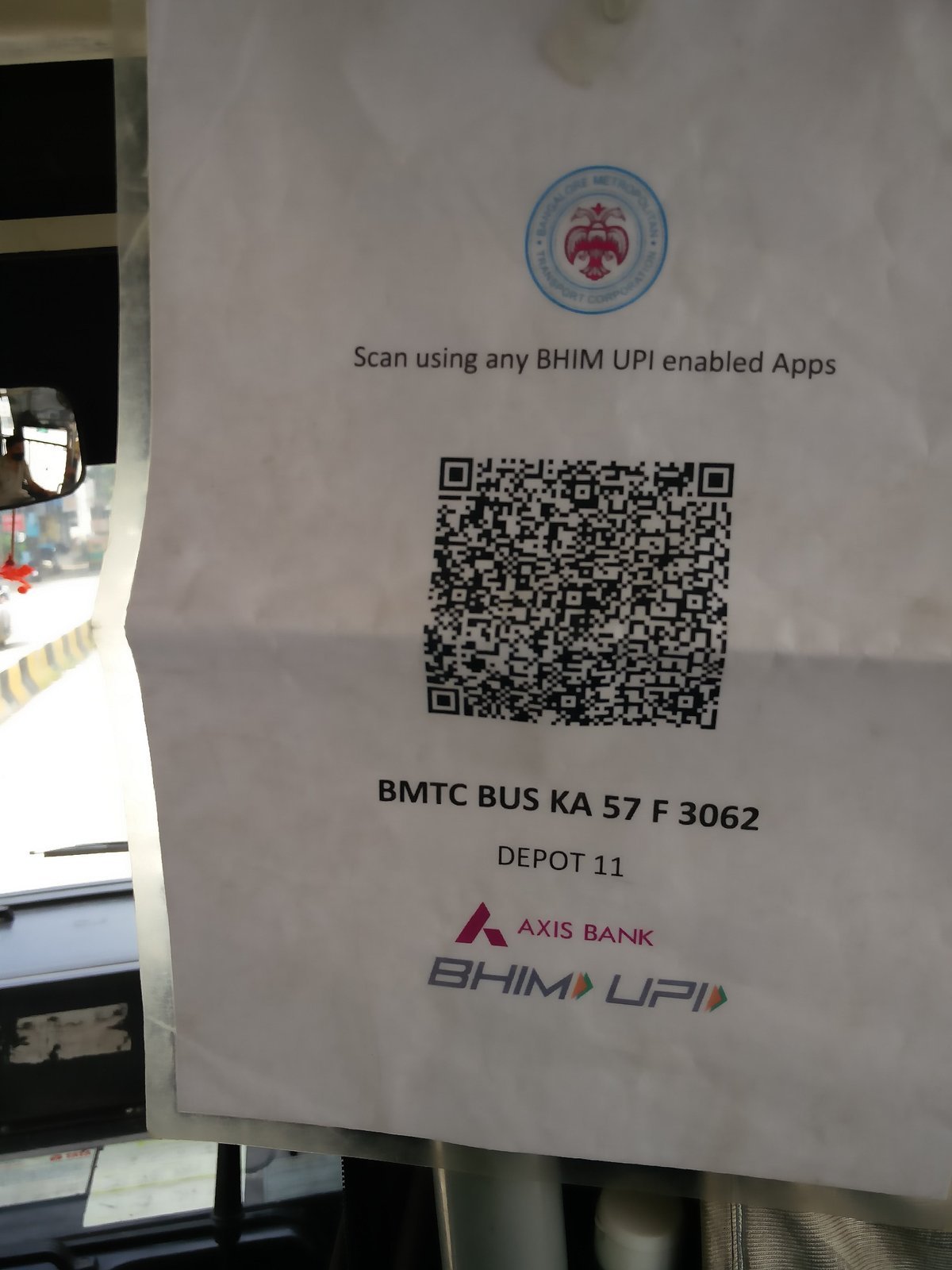
Open your payment app and sign in, then choose the scan or pay QRIS menu — usually a camera or QR-code icon on the home screen. Point your phone camera at the merchant's QRIS code displayed on the counter, receipt, monitor screen, or EDC machine.
Once scanned, the screen shows the merchant name and amount. If the amount is blank (static code), type it manually per the bill. Double-check the name and amount, tap confirm, then enter your transaction PIN or biometric verification. A success notification means the payment went through — show it to the cashier as proof.
Dynamic vs Static QRIS
There are two QRIS code types. Dynamic codes are generated per transaction, so the amount is pre-filled — the payer just confirms. Static codes are permanent (like a sticker on the counter), so the amount must be entered manually.
For online shopping, the on-screen QR code can be screenshotted and uploaded via the "upload from gallery" feature available in some apps' QRIS menus. Keep your internet stable, camera permission on, and lighting adequate — hold the camera about 10–20 cm from the code.
Safety Tips for Beginners
Before entering your PIN, always verify the merchant name and amount — your main defense against wrong transfers and fake QR codes. Don't scan QR codes from suspicious sources, such as stickers pasted over a shop's original code.
Save or screenshot the transaction receipt for your records. Transaction history can also be checked anytime in the app's history menu to make sure there are no duplicate charges.